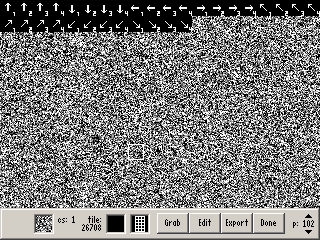
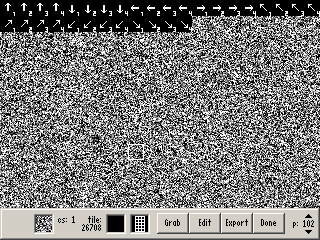
EDIT: It should also be noted that diagonal shots facing right/left simply use the right/left animation, while diagonal shots facing north/south use the diagonal animations.
Directional Boomerang Guide (corrected animation)
Overview
Creator:
Old-Skool
Updated: 04 Sep 2014
Downloads: 25
|
Download Tile (19.61 KB) |
||
| Tags: Item, Sprite, Weapon | |||
Information
ATTENTION: THIS IS A UTILITY GUIDE AND NOT INTENDED FOR GRAPHICAL MERIT. RATE ONLY BASED ON HOW USEFUL IT WAS TO YOU. I'M NOT SAYING YOU'RE AN IDIOT FOR VOTING IT DOWN BECAUSE ITS JUST A BUNCH OF ARROWS, BUT WELL... I'LL LET EVERYONE ELSE DETERMINE THAT.
This is a utility tile submission which allows users to easily and quickly identify the placement of tiles when using directional boomerangs.
About Reviews
Cukeman
Edited 02 March 2018 - 06:54 PM
VERY helpful
Just note that this example uses 4-frame animation, rather than the default 8-frame.
EDIT: It should also be noted that diagonal shots facing right/left simply use the right/left animation, while diagonal shots facing north/south use the diagonal animations.