
Moosh`s Scrolling Backgrounds for 3.0
Overview
Creator:
Alucard648
Added: 08 Jun 2026
Tags:
3.0,
Combo,
Generic
Downloads: 5
|
View Script
Download Example (1.94 MB) |

Information
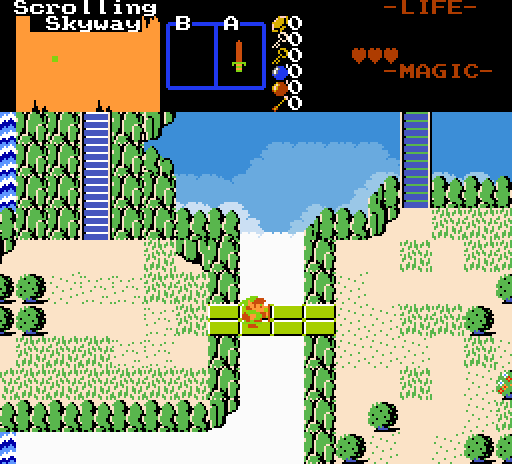
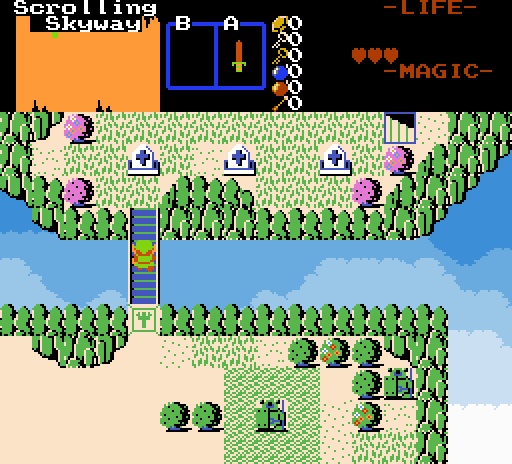
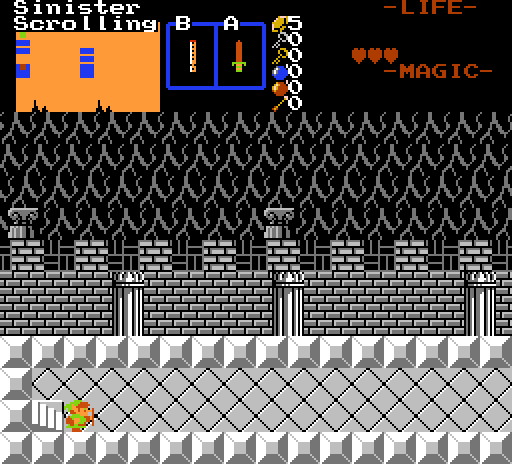
Moosh`s Scrolling backgrounds, updated for 3.0 standards with more QoL and support for scrolling regions.
Original script by Moosh, 3.0 remaster by Alucard.
Original script by Moosh, 3.0 remaster by Alucard.
Description Setup Reviews Comments
1. Import and compile the script. No extra libraries needed. Assign generic script and 2 combo scripts.
2. For generic script, go to Init Data->GenScript, go to the Scrolling Layer script and set Run From Start and Reload on following states: Reload, Continue, Change DMap and Change Level. Check out annotated InitD`s.
3. On each DMap entrance, where you want scrolling backgrounds place invisible combos with RegisterScrollingLayer script. Assign annotated attributes and flags. Also if such combo appears on screen as a part of trigger, the scroll slot assigned to new combo will be also edited according to new combo attributes also there is ClearScrollingLayer combo script for quick clearing of scrolling layer slot.
2. For generic script, go to Init Data->GenScript, go to the Scrolling Layer script and set Run From Start and Reload on following states: Reload, Continue, Change DMap and Change Level. Check out annotated InitD`s.
3. On each DMap entrance, where you want scrolling backgrounds place invisible combos with RegisterScrollingLayer script. Assign annotated attributes and flags. Also if such combo appears on screen as a part of trigger, the scroll slot assigned to new combo will be also edited according to new combo attributes also there is ClearScrollingLayer combo script for quick clearing of scrolling layer slot.

