
Painting Pushblock
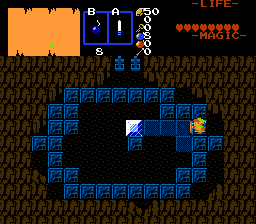
Overview
Creator:
Alucard648
Updated: 10 Feb 2024
Tags:
FFC
Downloads: 16
|
View Script
Download Package (1013.7 KB) |

Information
Standalone variation of Painting pushblock. Made on request by SkyFlare.
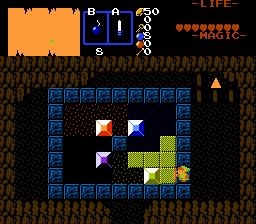
Description Setup Reviews Comments
1.Set up 2 consecutive combos with the same tile, non-solid then fully solid.
2.Effect Width and Height used. If TileHeight is greater than EffectHeight / 16, then the script calls PaintPush Renderer, so FFC sprite rendering is aligned to bottom edge of FFC`s hitbox.
3.Place FFC on 1st combo from step 1
4.Flag all target combos, including combo under FFC, with the same flag ID.
D0 - bracelet level requirement.
D1 - allowed push directions. Add together - 1-up, 2-down, 4-left, 8-right. 0 for all directions.
D2 - add together: 1 - gets stuck after 1 push, 2 - gets stuck when landing on trigger, 4 - icy block, continue moving in direction until hitting obstacle, 8 - ignore triggers, 16 - iceblock paints continiously, 32 - animation on push (uses next combo in list)
PaintPushRender
Renderer for PaintPush blocks
Place, gridsnap, and align on bottom with large pushblock.
D0 - ID of pushblock FFC
2.Effect Width and Height used. If TileHeight is greater than EffectHeight / 16, then the script calls PaintPush Renderer, so FFC sprite rendering is aligned to bottom edge of FFC`s hitbox.
3.Place FFC on 1st combo from step 1
4.Flag all target combos, including combo under FFC, with the same flag ID.
D0 - bracelet level requirement.
D1 - allowed push directions. Add together - 1-up, 2-down, 4-left, 8-right. 0 for all directions.
D2 - add together: 1 - gets stuck after 1 push, 2 - gets stuck when landing on trigger, 4 - icy block, continue moving in direction until hitting obstacle, 8 - ignore triggers, 16 - iceblock paints continiously, 32 - animation on push (uses next combo in list)
PaintPushRender
Renderer for PaintPush blocks
Place, gridsnap, and align on bottom with large pushblock.
D0 - ID of pushblock FFC

