Simple Item Spawner
Overview
Creator:
Ben
Added: 24 Nov 2014
Tags:
FFC,
Item
|
View Script |

Information
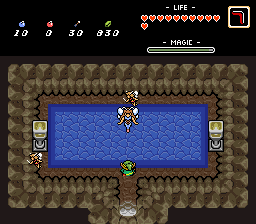
This script spawns one item on the screen. The item always respawns.
Description Setup Reviews Comments
Set up a new Freeform Combo using a blank combo for its graphic, and assign it this script.
Look up the item ID of the item you want to use in the item editor, and put it into Argument 1.
You can optionally supply X and Y coordinates in arguments 2 and 3, but if you leave them at zero, the item will be placed at a random position on the screen.
Updated 1/4/15: Now includes a simple alternate version that is three lines long. Places an item at the FFC coordinates. It will not place an item at random coordinates like the first script.
Look up the item ID of the item you want to use in the item editor, and put it into Argument 1.
You can optionally supply X and Y coordinates in arguments 2 and 3, but if you leave them at zero, the item will be placed at a random position on the screen.
Updated 1/4/15: Now includes a simple alternate version that is three lines long. Places an item at the FFC coordinates. It will not place an item at random coordinates like the first script.