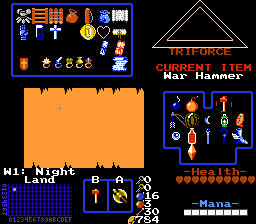
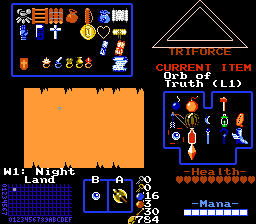
Well, I'm realizing that re-building my tiles and palettes isn't going to take nearly as long as I thought it would. I just make a copy of each tile, apply the palette changes with the Wand tool, make new combos that go with each tile (also sorting my combo pages into something much easier to navigate), and then delete the old tiles and combos. (Is there a keyboard shortcut to remove combos? I couldn't find one, and it would save so much more time) Afterwards, I copy and move the tiles into a more compact and better organized sequence in the tile page.
I haven't gotten to finish re-building my field area yet, but I have fully re-built both sections of my sunken ship map, inside as well as outside, and re-assembled all the secrets and flags. It's rather nice to see how all my graphics look in my new palette, the colors flow into each other so easily that even at 640x480 resolution, you don't notice the individual pixels all that much. It fixes a lot of tiles where I didn't like how the shading and texturing looked originally.
Speaking of texturing, I've been adding in additional tiles and graphics while I've been re-building, using some of the Game Maker graphics that Koh released in the "Sprite a Day" thread. (Don't worry Koh, I'm giving full credit when I'm done.) They're very beautiful graphics, and the extra colors aren't a problem at all with my new palette. I've got 8 shades of every color I need, so I really doubt that there's going to be anything I can't add in if I want to. The only limitations are what would match my tileset and not clash with the existing graphics.
The only problem with my palettes is that a couple of my enemies look a bit washed out now, but I can always adjust things when I'm done, so that I can see what won't break other graphics using the same colors.