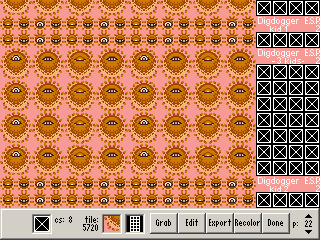
(Yeah, it says ESP 2, and it looks fine in that. Just go with it.)
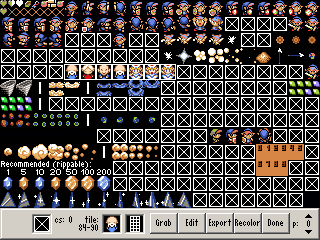
Select the tiles to be recolored and click "Recolor" or press Ctrl+R, and this window will pop up:
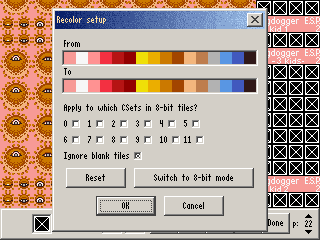
Each color in under "From" will be replaced with the corresponding color under "To." Drag and drop colors into "To" to create the desired mapping.
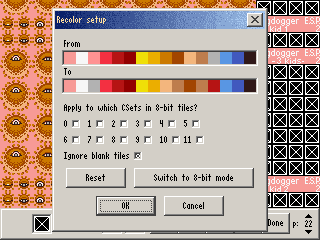
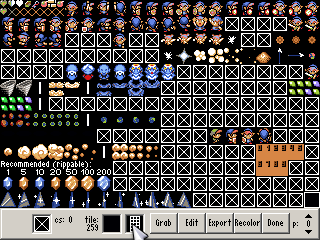
Click "OK," et voilà:
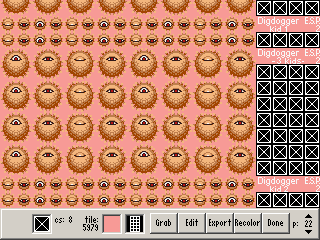
If you've got a lot of tiles to redo, you can press Ctrl+Shift+R to repeat the last recolor without bringing up the dialog again.
As you can see, this can be selectively applied to each CSet in 8-bit tiles, but there's also a separate 8-bit mode. This works a bit differently.
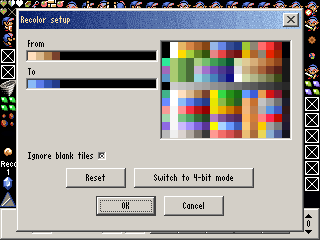
Drag and drop colors to both the "From" and "To" sets. Any colors not in "From" will be unchanged. You can do up to 16 at a time.
This mode only recolors 8-bit tiles; any 4-bit tiles selected will be unaffected.